A screen or projector
Choose a display position families can comfortably see. Discuss projection brightness, available space and your existing screen during the demo.
 Discuss your venue ↗
A GUIDE FOR VENUE TEAMS
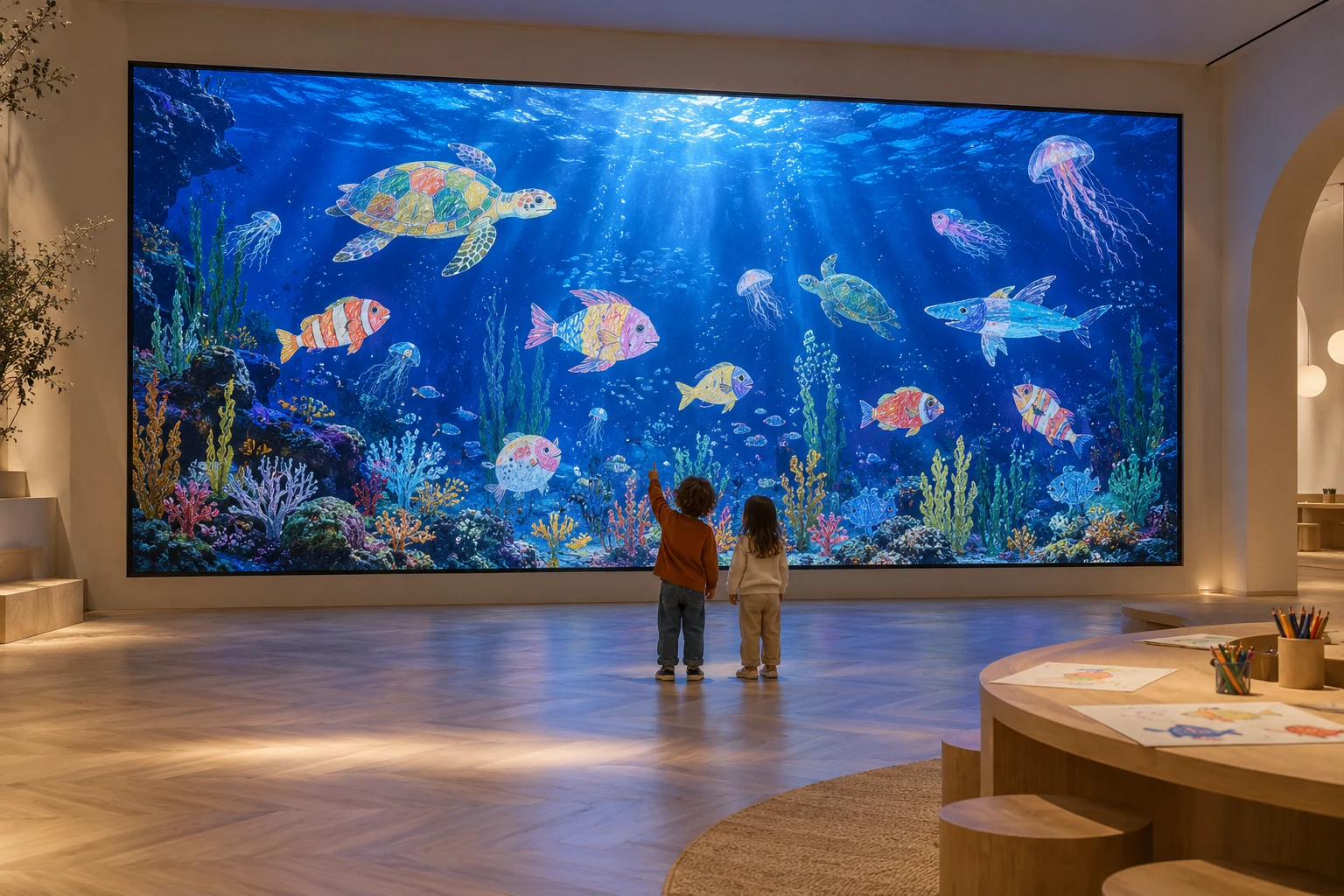
Kidoo is drawing-to-life software for family venues. Children colour on paper, an accompanying adult photographs the drawing through a QR-code upload page, and the creation joins a digital world on the venue’s screen. Aquarium, Plains and Birthday are complete Kidoo worlds.
Set aside a colouring area with paper and pencils. The creative activity begins away from the screen, with each child making their own drawing.
A parent or accompanying adult opens the upload page in a phone browser and photographs the drawing. Visitors do not need to install an app or create an account.
The drawing joins the shared digital world. Families can look for their creation together and return to the colouring table to make another.
Choose a display position families can comfortably see. Discuss projection brightness, available space and your existing screen during the demo.
The venue runs the Kidoo experience on a computer with internet access. Confirm operating-system compatibility and hardware requirements with us before purchasing equipment.
Provide paper, pencils and a clearly visible session QR code. Allow room for accompanying adults to photograph drawings and for families to move between the table and display.
Explore a creative activity alongside a family visit. Discuss where the colouring table and shared display would fit within your visitor route.
Plan a dedicated family activity area with a visible screen and a nearby colouring table. Review queues, supervision and available floor space.
Consider a shared creative corner for children and accompanying adults. Discuss how staff would introduce the QR-code upload process.
Aquarium, Plains and Birthday are complete. Aquarium brings drawings into an underwater world; Plains brings butterflies and little creatures into a shared meadow; Birthday places the birthday child at the centre with friends’ coloured portraits around them. Jungle and Space are in development. Website checkout currently uses a sandbox. Request a demo to confirm the current deployment and license activation options.
The website shows a plan of €20 per license per month, including VAT, with no annual commitment. Hardware, compatibility and installation arrangements should be discussed separately before you plan a venue purchase.
Discuss your venue ↗